Images and attachments
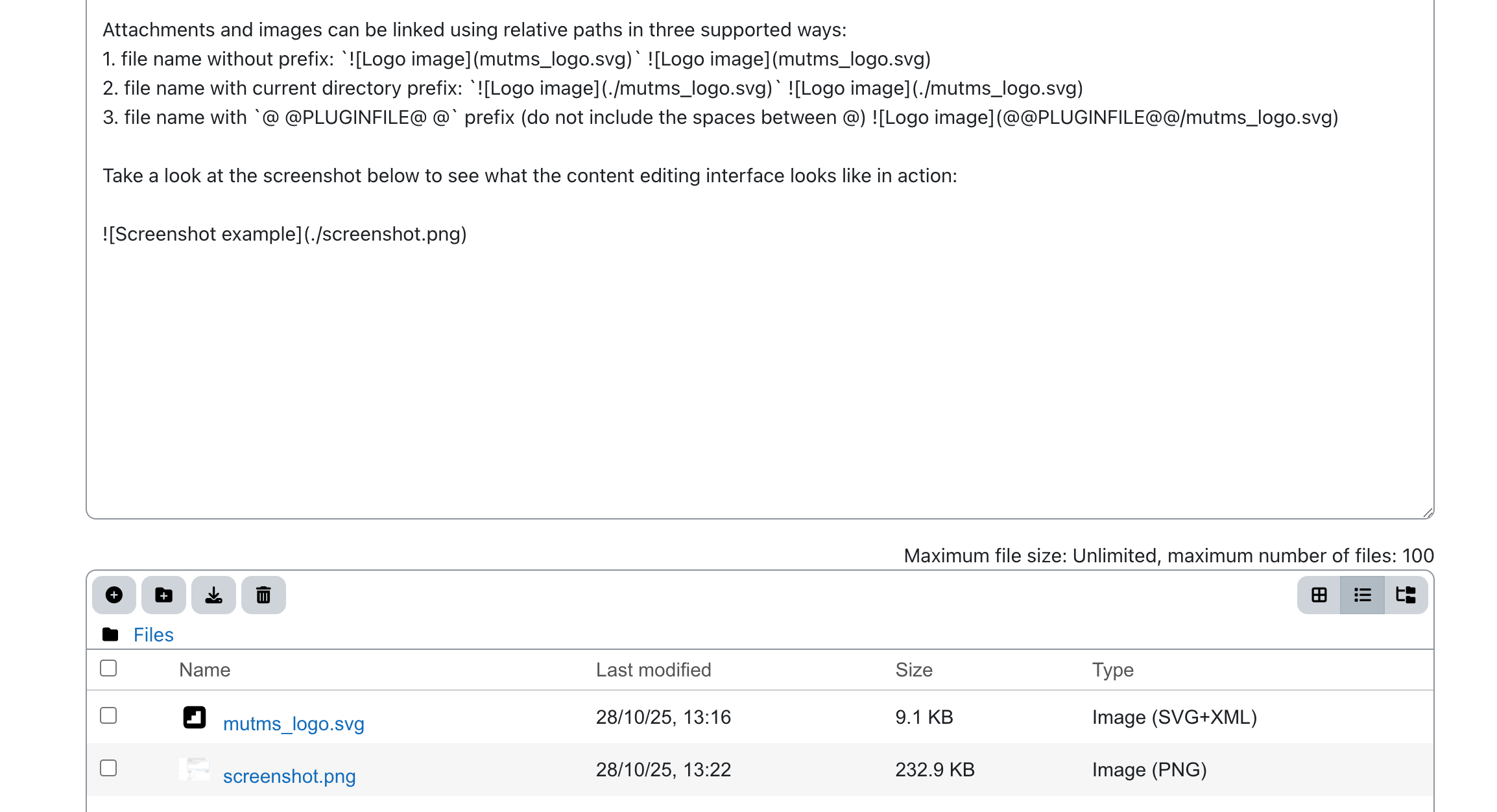
To create a fully self-contained book, you can add attachments and images directly to each Markdown content block. This allows all resources to stay bundled with the book, making it easier to share, archive, or reuse without external dependencies.
Attachments and images can be linked using relative paths in three supported ways:
- file name without prefix:

- file name with current directory prefix:
 - file name with
@ @PLUGINFILE@ @prefix (do not include the spaces between @)
Take a look at the screenshot below to see what the content editing interface looks like in action: